New Licensed User Information
Welcome to your new role as a KYTC BOOTS Safety Management System licensed user. Here is some information to help you get oriented.1 User ID & Passwords: Good news, you won't need to manage a new username or password!
- Your BOOTS user name / ID is the same as your state e-mail address.
- As long as you access BOOTS through a state device (computer, iPad, phone) that you are logged in using your @ky.gov credentials you should bypass any separate login for BOOTS.
2 For NEW users or existing users with a new computer: If you are a new licensed user, or an existing user with a new computer you will need to establish the connection between your ky.gov credentials and BOOTS:
To do that you will need to use this link: First time new BOOTS user link That should take you to the BOOTS Homescreen. At that time, just close (X) that window & BOOTS session, then go to step 3. You will not use the above link again, so don't set a bookmark for that link.3 Access to BOOTS in the future:
Step 2 above established a connection for you, so you can now click through to BOOTS using the link: https://live.origamirisk.com/Origami/Dashboards/Show/10077?dashboardType=H You should bookmark this link on your internet browser. As a licensed user you can access BOOTS from any state device You can also click on links in incident notification from the BOOTS system to access linked dashboards, reports, or incidents referenced by the message. You can submit new incidents as a licensed user by using this link above, but you also still have the option of submitting incidents through the “Enterprise" portal (not a licensed user) using the QR code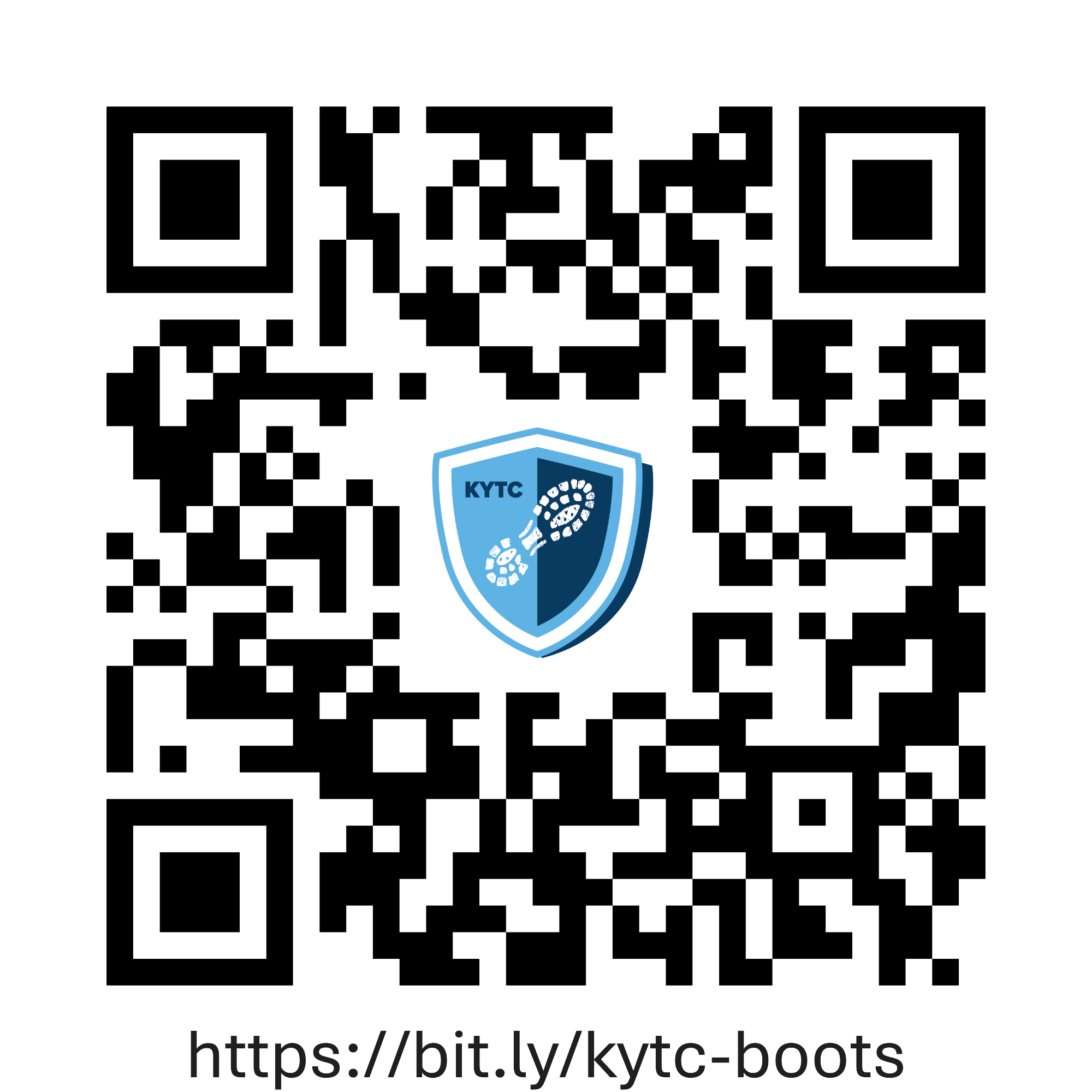 Notifications from BOOTS system:
If you receive a notification e-mail about an incident in BOOTS it will arrive from a sender called Notifications@OrigamiRisk.com. It is safe to open any e-mail or link from this address.
|